Enhance, with an AI pick.
Shimi looks at each photo and suggests a scene and size. One tap, then compare before and after.
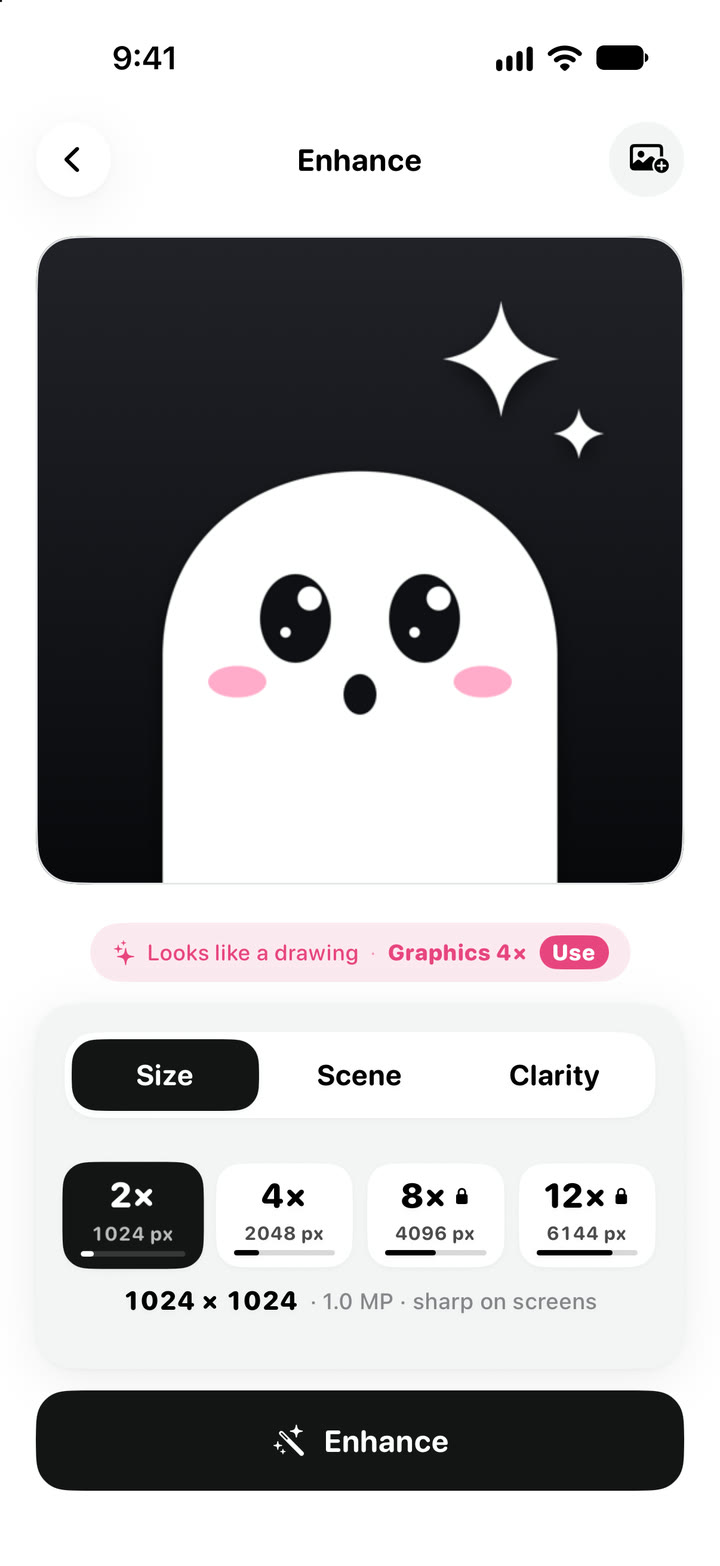

Shimi sharpens, cleans and upscales your photos and videos with Apple's on-device AI, on iPhone and Mac.
Free on iPhone · Mac coming soon · No account · Nothing uploaded
The Shimi film · 15 seconds
How it works
Shimi measures each picture, cleans the noise, then rebuilds the detail with Apple's AI. Colours stay as they were unless you choose otherwise.

 AfterBefore
Features
A small studio that does the careful work and stays simple to use.
Shimi looks at each photo and suggests a scene and size. One tap, then compare before and after.
Upscale to 4K, double the frame rate and compress. Your format stays the same.
frames per second
Lift the subject onto transparency, a colour, a soft blur or a clean product shot.
Brush over a mark, tap an object or clear all the text. The gap fills in from its surroundings.
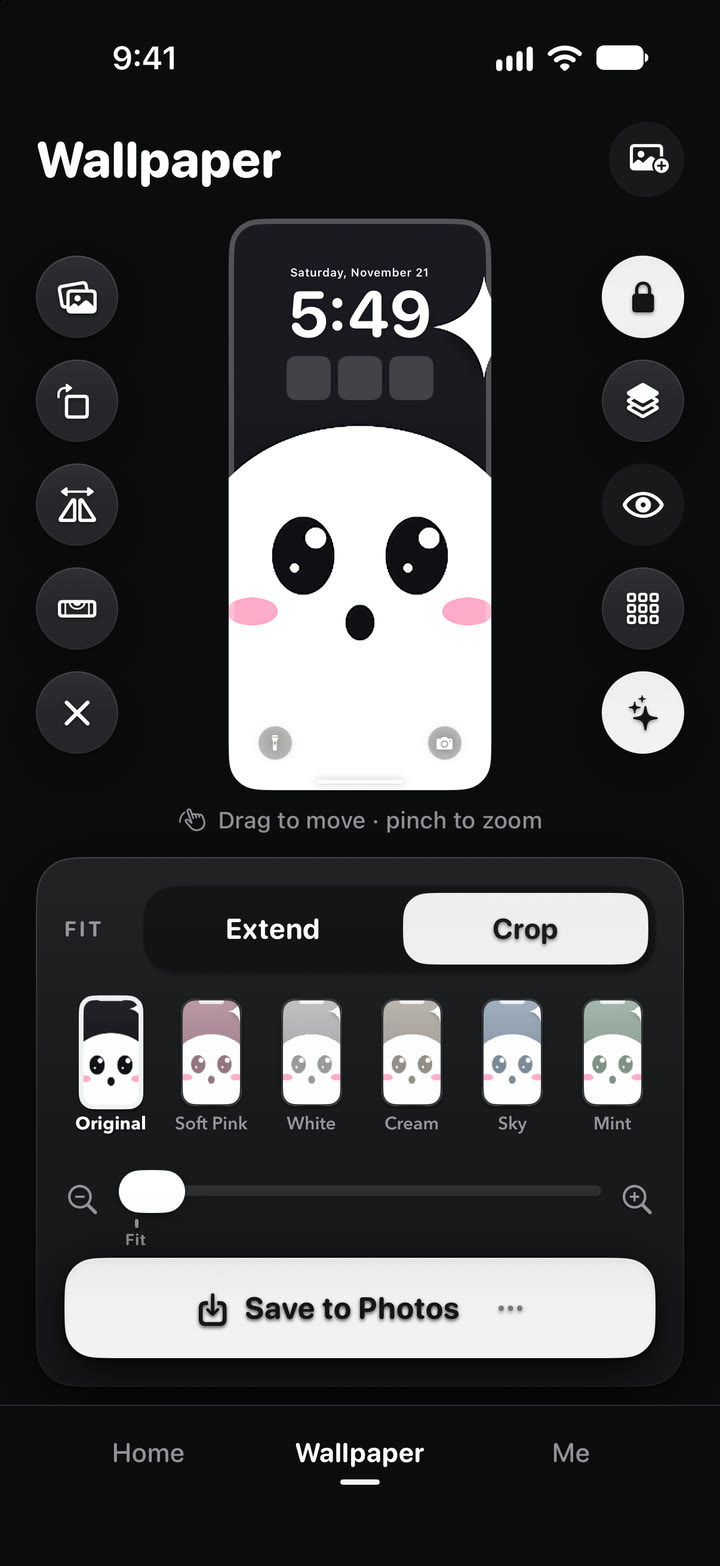
Place, rotate and recolour for your exact screen.
Batch-enhance a set of photos, give each face in a group its own touch-up, restore old prints and match colours from another picture.
photos per batch on iPhone
scene looks
Also on Mac
The same engine on your Mac, with a sidebar of tools and room to see every detail.
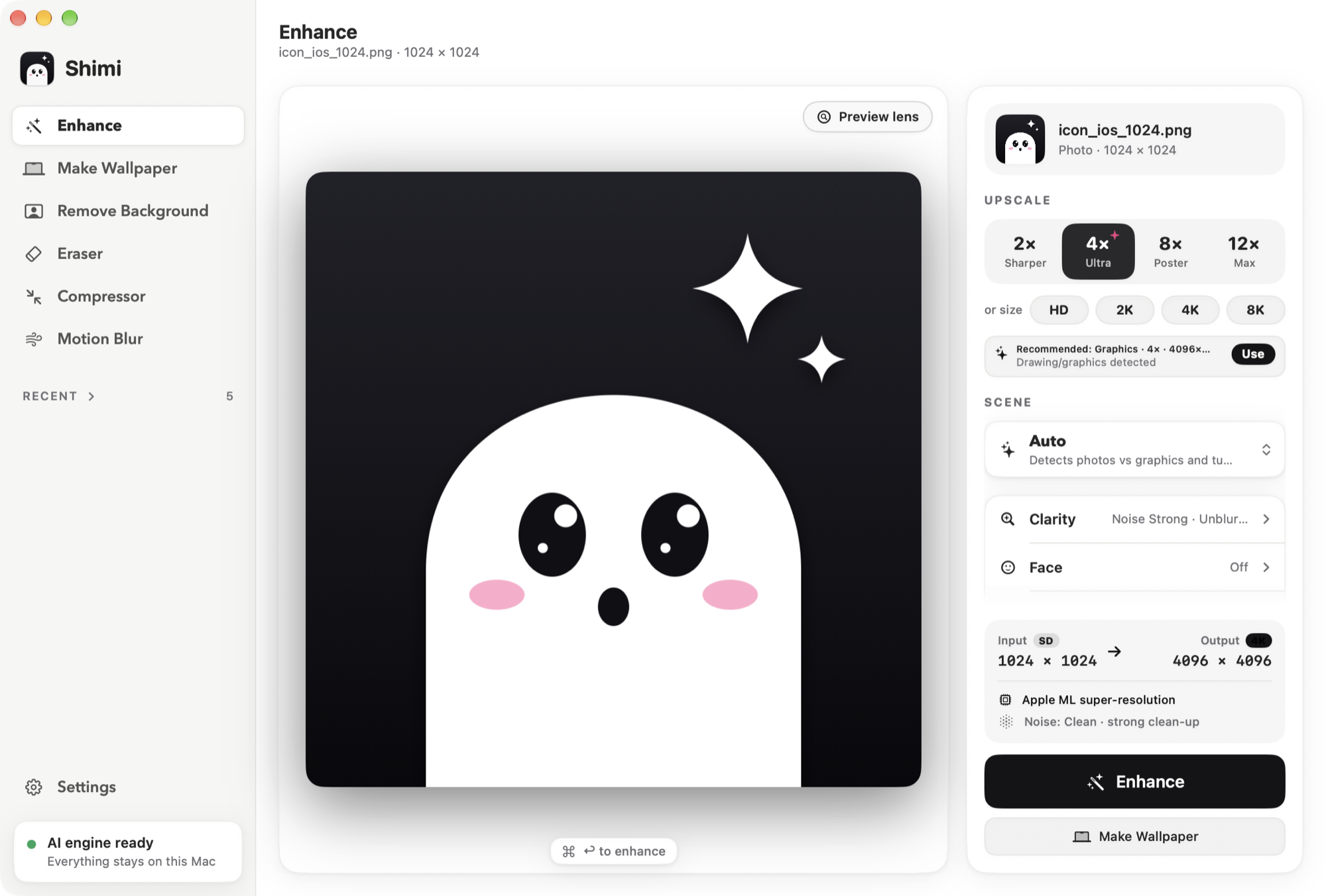
A closer look
Pricing
The everyday tools stay free. Pro on iPhone adds bigger upscales, batches and video.
Available now on the App Store. Prices are in US dollars, and the App Store shows your local price. Monthly and Yearly renew automatically unless cancelled at least 24 hours before the period ends.
Private by design
Shimi does its work with Apple's built-in AI, right on your iPhone or Mac. There's no account and nothing to upload.
FAQ
Enhance 2× and 4×, scene looks, Wallpaper, Remove BG and Eraser are free. On iPhone, Pro adds 8× and 12× upscaling, batches of up to 20 photos and video tools.
No. Enhancing, background removal, erasing and video all run on your iPhone or Mac.
Clean-up and upscaling keep your colours. Looks like Colour match only apply when you turn them on.
You can choose 2×, 4×, 8× or 12×. On iPhone, results stop at 8192 pixels on the long side to stay within the phone's memory.
JPEG, HEIC, PNG, WEBP, GIF and RAW photos, plus MP4 and MOV video.
Yes. An .mp4 stays an .mp4, and the original sound is kept.
iOS doesn't let apps do that. Shimi saves the finished wallpaper to Photos, and you set it from there with Share ▸ Use as Wallpaper.
Tell us what happened and we'll help you sort it out. Support requests are public on GitHub, so please don't include personal information or private photos.